Re Order

 Re-order
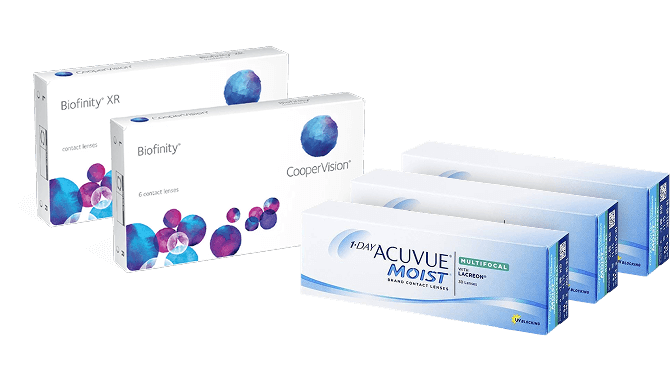









Thinking of ordering contact lenses online? Here at The Optical Store, we keep our process as quick and simple as possible, whilst also offering expert optical advice for any of your customer needs or enquiries.
Whether you’re a first time buyer or long-term contact lens wearer, our simple guide collects all the information you’ll need to order contact lenses online with confidence, walking you through each stage whilst promising a seamless experience tailored directly to your individual preferences.

Ordering Contact Lenses Online with The Optical Store
Contact lenses are an extremely effective and convenient way of gaining crystal clear vision, without the harsh parameters of wearing spectacles. To start your journey into clear, comfortable and dependable eyesight, just follow the three simple steps we’ve outlined below.
1 Choosing Your Contact Lenses
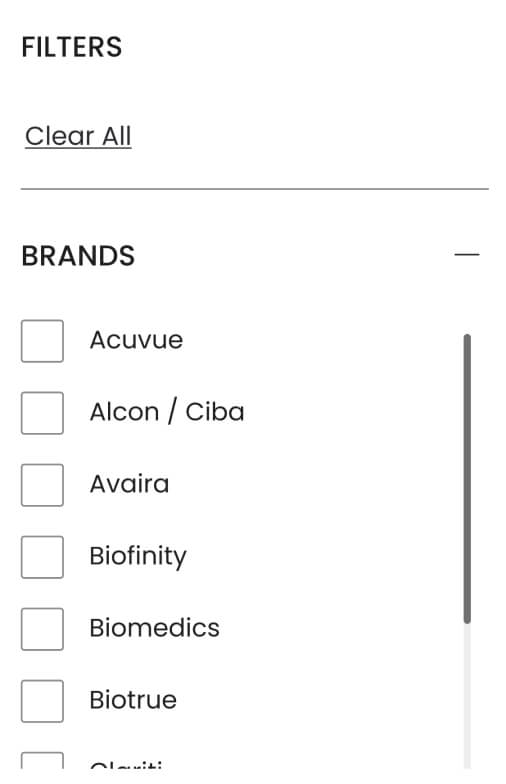
At The Optical Store, we stock a wide range of contact lens brands and types, covering all potential bases. Navigating our selection is easy — visit our Contact Lenses page and use the filters on the [left hand side/top bar/…] to hone in on your personal preferences.
You can also choose contact lenses by filtering individual brands which appeal to you, or by the modality of contact lenses you require, e.g. daily disposables, weekly / monthly, or extended wear contact lenses. Our lenses can be also filtered and organised alphabetically, by price or by popularity.
If you’re new to ordering contact lenses online, the range of brands in stock might appear overwhelming at first. However, filtering lets you place a spotlight on the brands most compatible to you. Each brand we stock at The Optical Store is trustworthy, safe and dependable. But if you’re still unsure on your perfect brand, our optical experts are here to help.
Alternatively, if you usually buy your contact lenses direct from your optician, The Optical Store stocks equivalent brands at a fraction of the usual cost. Many Specsavers and Boots-branded contact lenses are produced by manufacturers who also make alternative contact lens brands, allowing you to pick up a box of lenses near-identical to Specsavers easyvision or Boots’ own-brand contacts, just with different packaging. Click here to learn more.
2 Entering Your Prescription Details
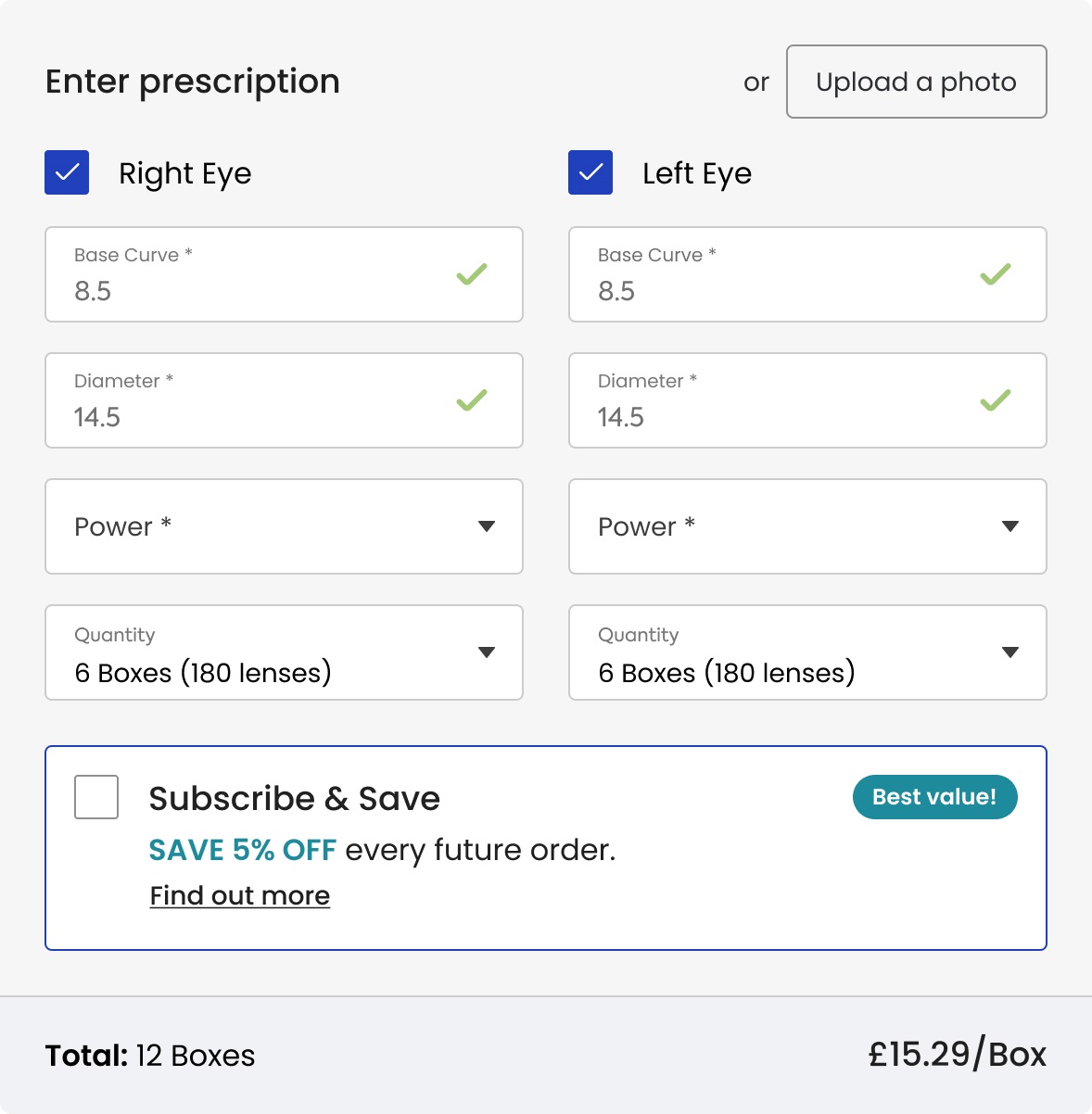
Once you’ve chosen the contact lens modality and brand that suits you best, the next stage is to enter your prescription details. You can find these on a printed prescription given to you by your optician after a contact lens fitting, or on the side of your current contact lens box. If you require different prescription powers in your left and right eyes, make sure you enter your numbers according to the correct boxes.
Don’t worry, you won’t need to show us photographic evidence of your prescription when ordering contact lenses online with The Optical Store – just insert the correct details given to you by your optician. If you’d like us to double check and confirm your prescription is correct before we process your order, there is an option to upload an image of your prescription when adding a product to your basket.
If you find your contact lens prescription hard to read, or would like to learn more about what each abbreviation on your prescription stands for, check out our guide to contact lens prescriptions here.
During this stage, you can also enter the amount of contact lens boxes you require, per eye. Stocking up on online contact lenses can drastically cut costs when compared to buying direct from your opticians.
Remember, your contact lens prescription is NOT the same as your glasses prescription. If you’ve never worn contact lenses before, it’s vital that you get a contact lens fitting at your opticians to make sure you receive the correct prescription. Glasses prescriptions and contact lens prescriptions are not interchangeable.
3 Completing Your The Optical Store Checkout
After choosing your contact lenses and entering your prescription info, your contact lenses are ready to “Add to Basket.” Simply click the button and proceed to view your basket.
If this is your first time ordering with The Optical Store, you’ll need to register a customer account. The process is quick and simple to complete. Once your account is set up, you won’t have to keep re-entering the same prescription and delivery information with every order, speeding up the process with convenience.
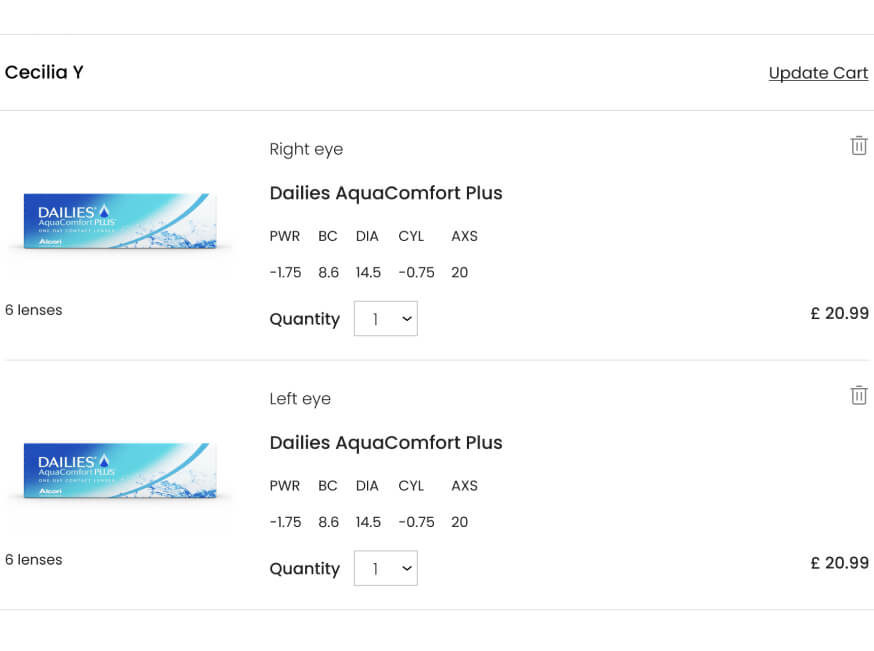
Lastly, review the contact lenses in your basket and double check your entered prescription figures are correct. Once you’re happy with your order, click “Proceed,” and you’ll be taken to the payment and delivery details page. Simply fill in your address and billing information, hit the “Place Order” button, and you’re done! You will receive email confirmation once your order has been confirmed and another shortly after to confirm delivery.